Site assistant · construction and beyond
Caratic clocks people on from the job fence, puts their hours on the right element, builds the day's docket for the head contractor to sign, fills in timesheets, reads receipts straight into your accounting software — and answers when you say “Hey Caratic”.
Built on site by people who use it every day · iPhone, Android and any browser


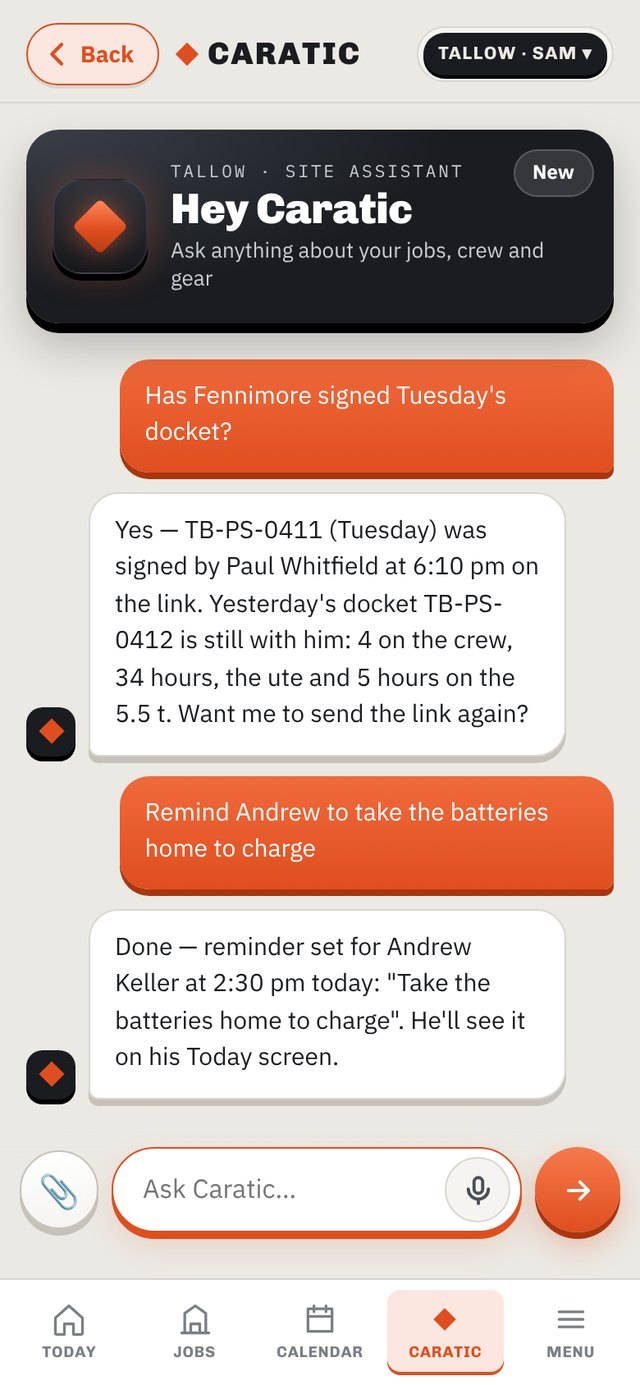
Say it, don't type it
Caratic is a chat that already has your business in front of it. Ask what was docketed on Abutment A, whether the head contractor has signed Tuesday, or who's on site right now. Tell it what you did today and it tidies that into the docket. Drop a schedule of rates on it and it builds the job.

What it does
Phones share their position. The job fence, the element fences, the sign-on and the allocation decide the rest. You check and send — you don't type.


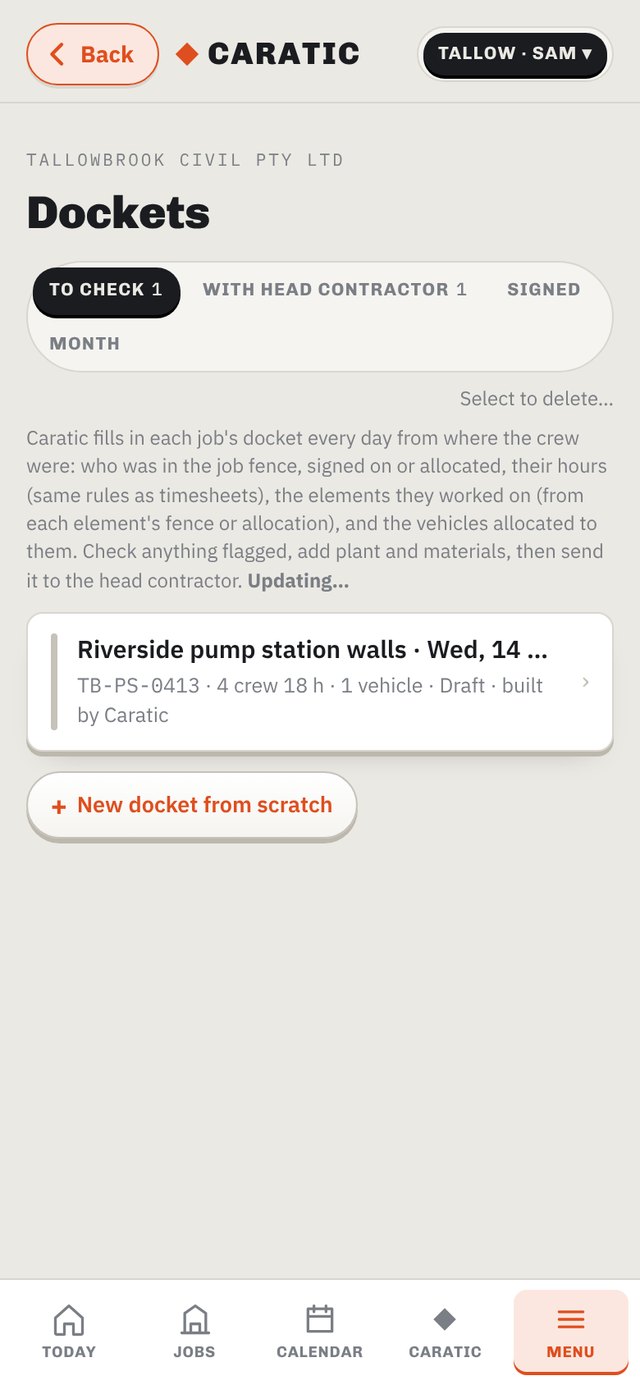
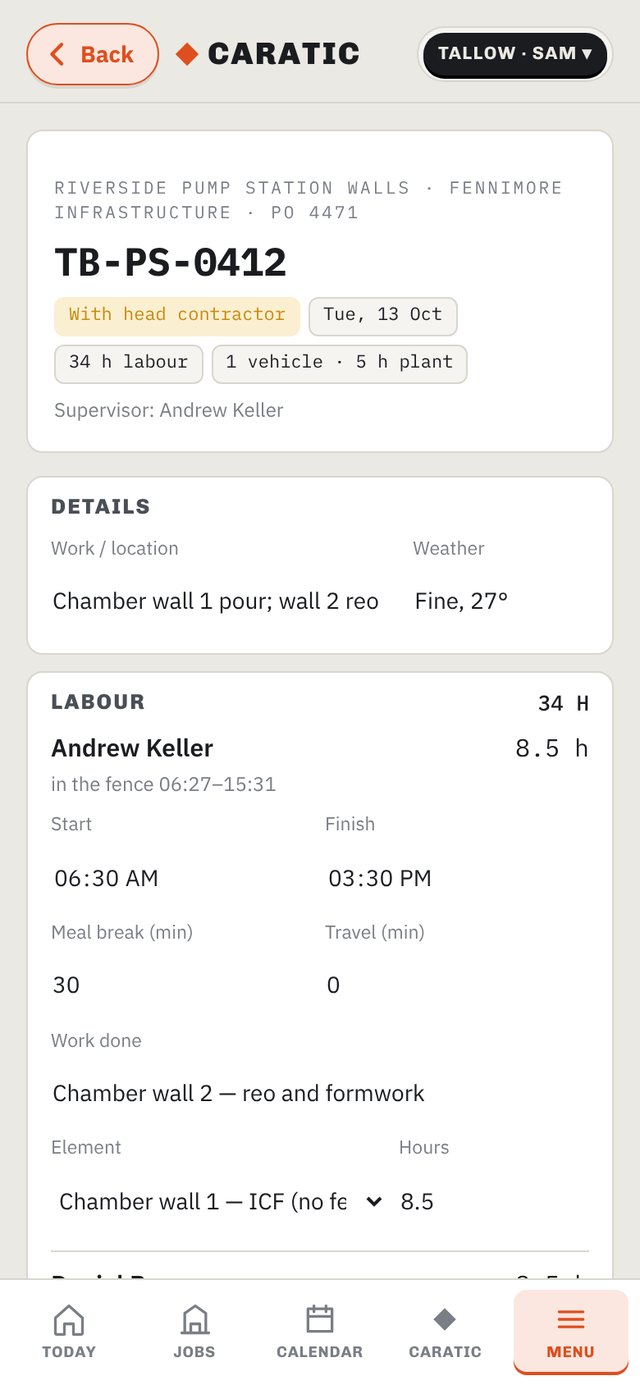
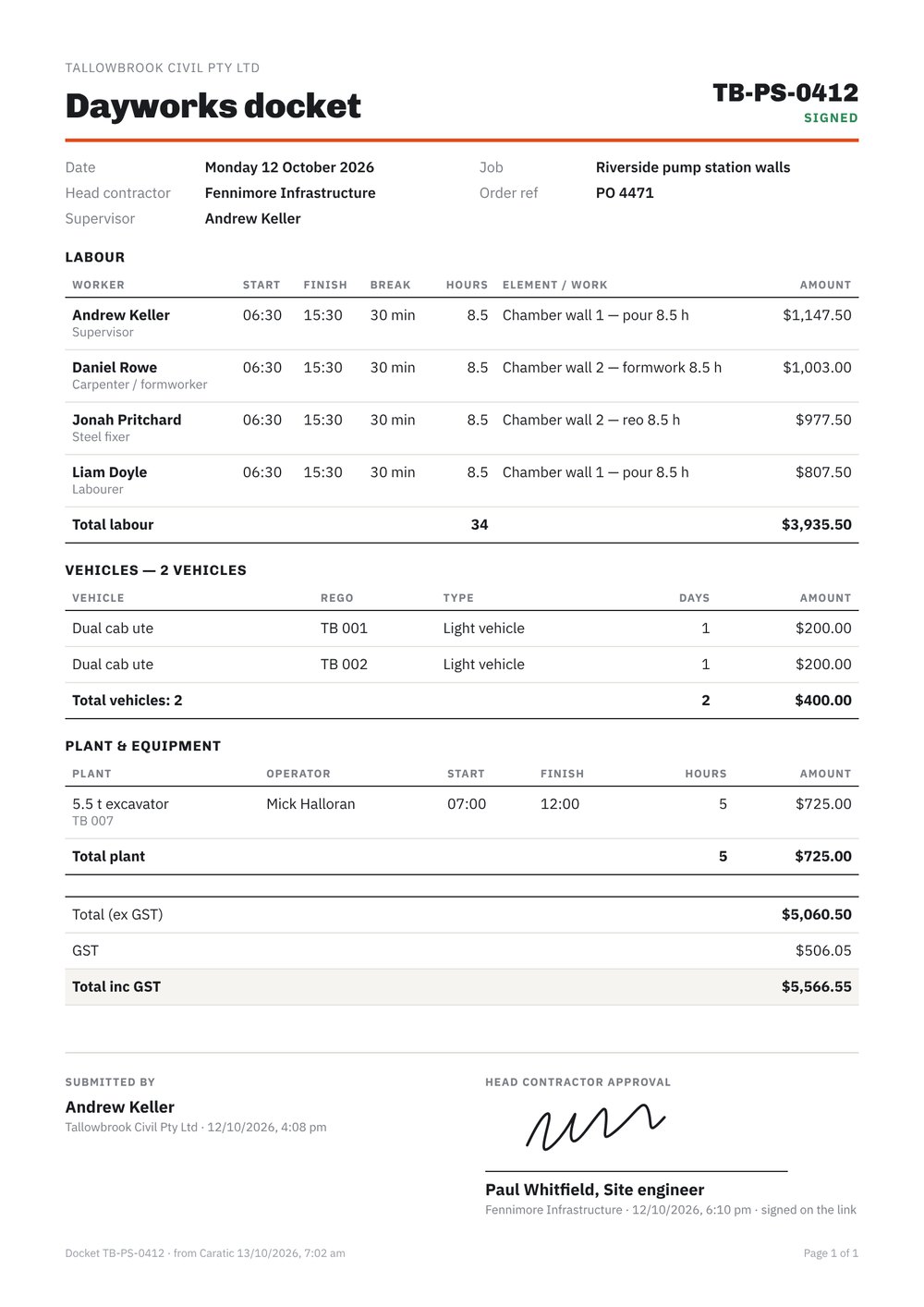
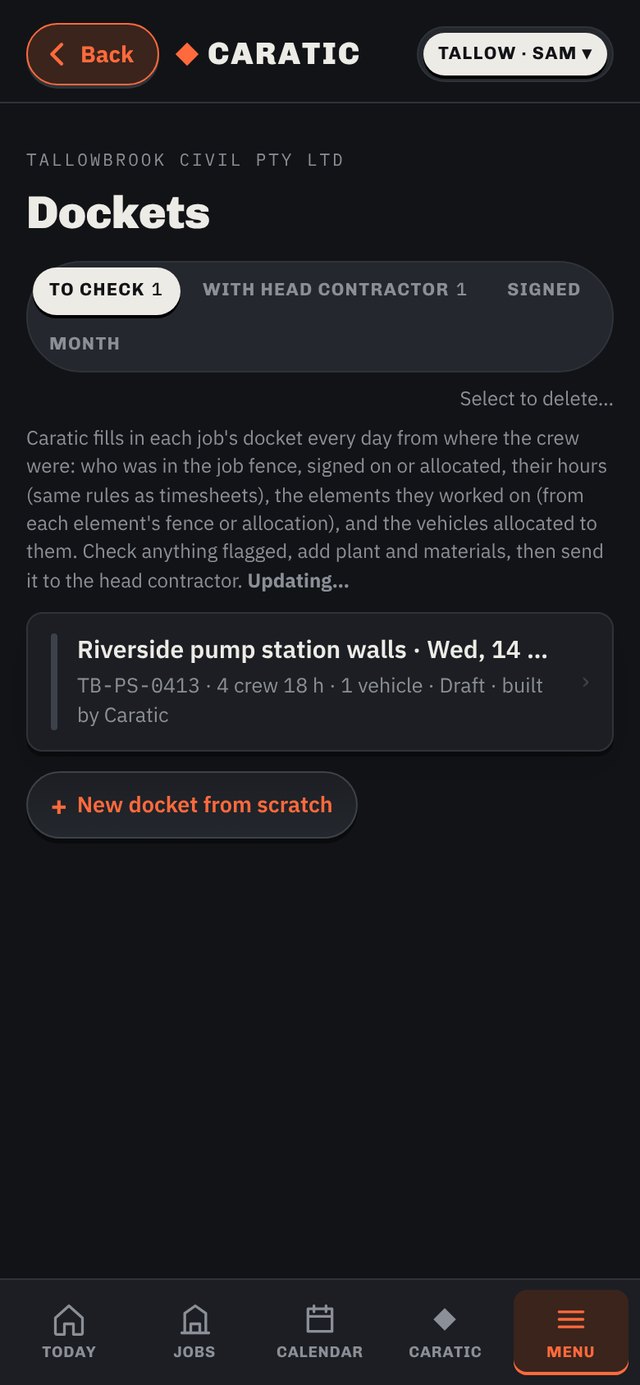
One docket per job per day, from the crew that was in the fence, their sign-on and their hours. Labour, vehicles per day, plant per hour, materials. Flags anything odd — a late start, someone seen at another job, a vehicle that wasn't used. Send it; the head contractor signs on a link, on your phone, or on their own Caratic page.

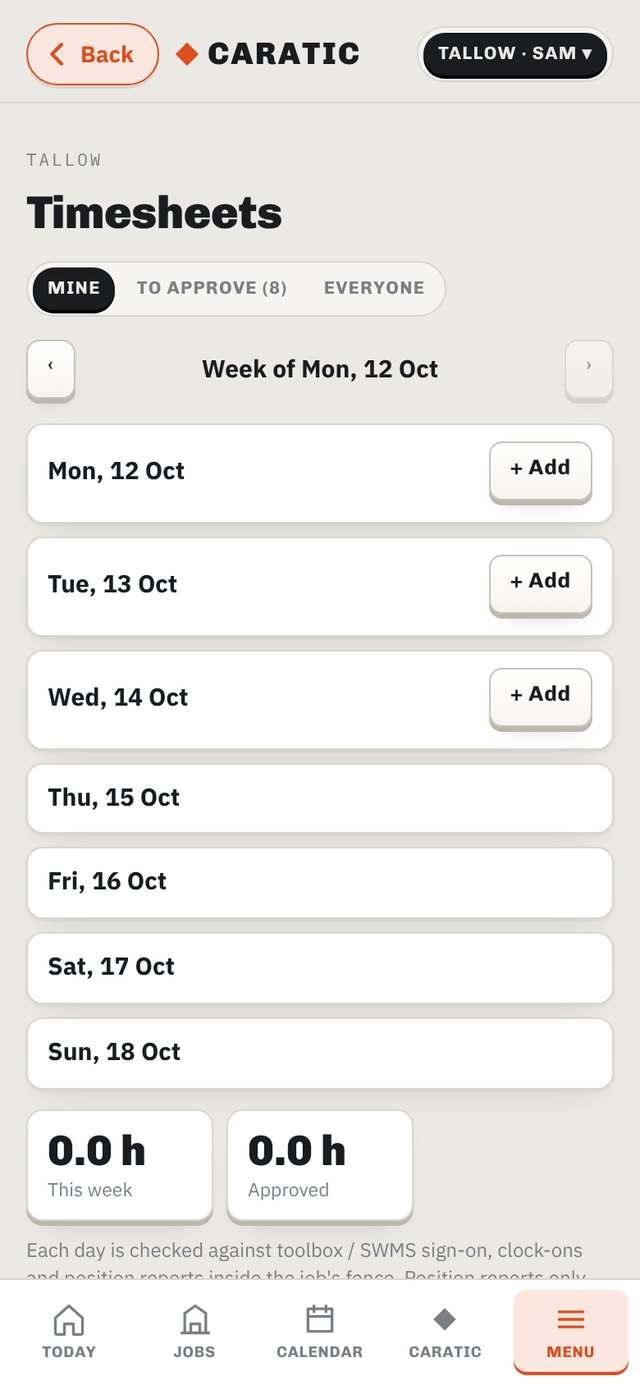
Each day pre-filled from the fence, the toolbox sign-on and the job's hours. Submit → check → approve, and approved hours become the labour cost on the job.

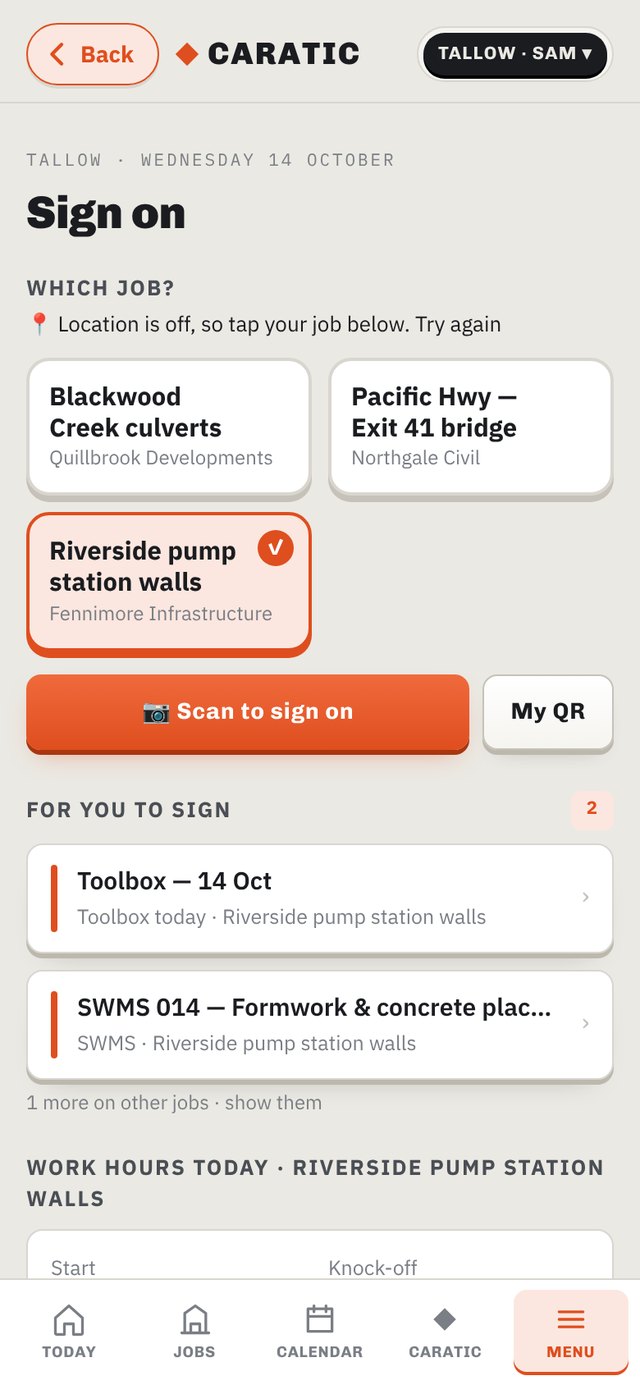
Caratic picks the job from where you're standing. Scan the supervisor's QR, or the supervisor scans yours. Anyone in the fence who hasn't signed gets a red notice.

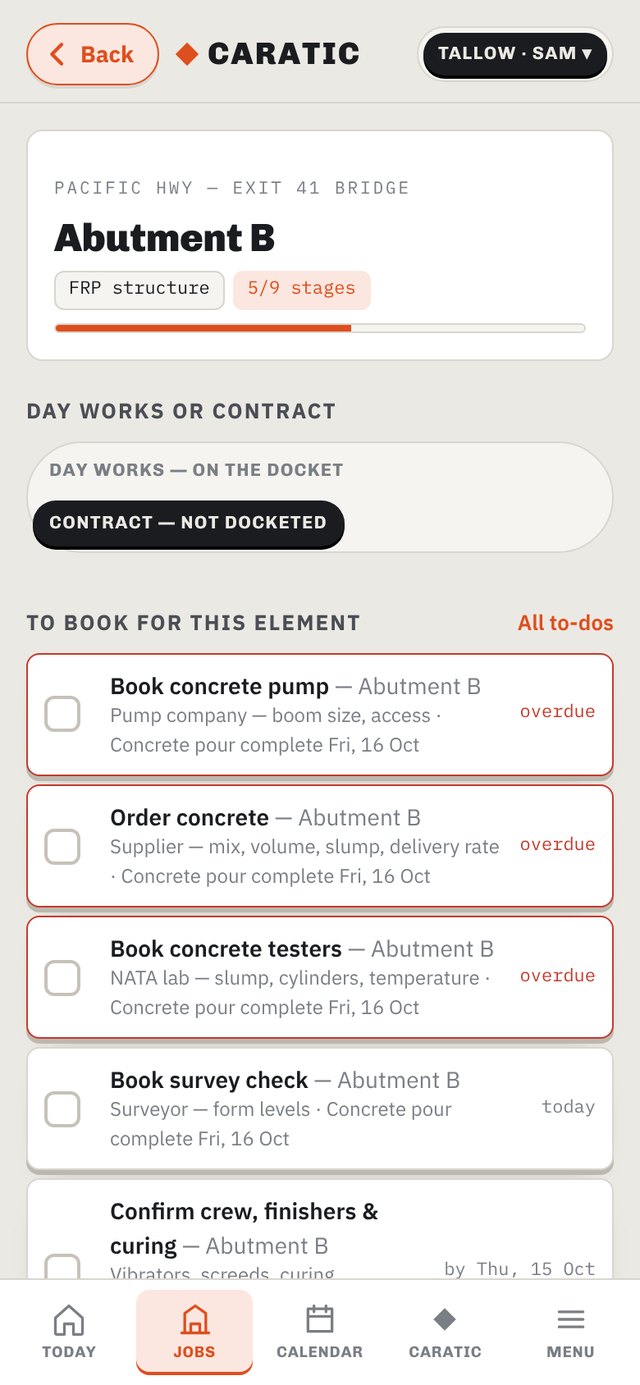
Tap a stage to sign it off. Give a pour a date and the pump, concrete, testers and survey land on the calendar at the right lead time. Strip timers start when the pour's done.

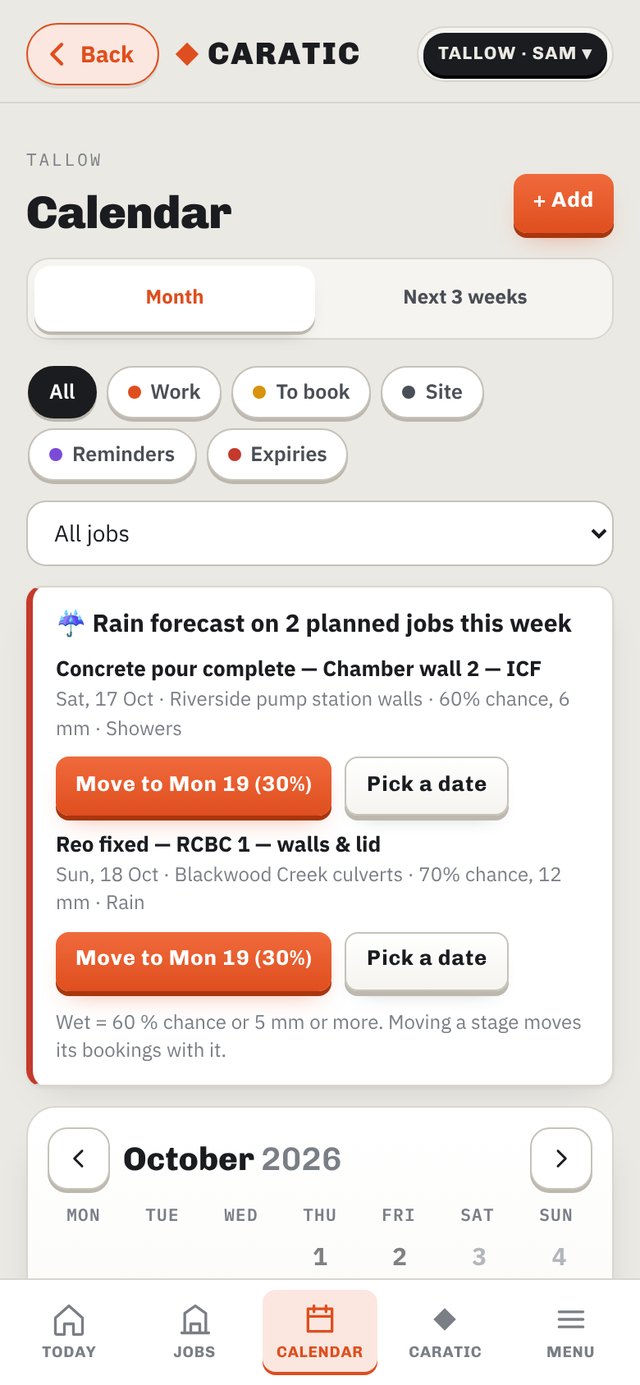
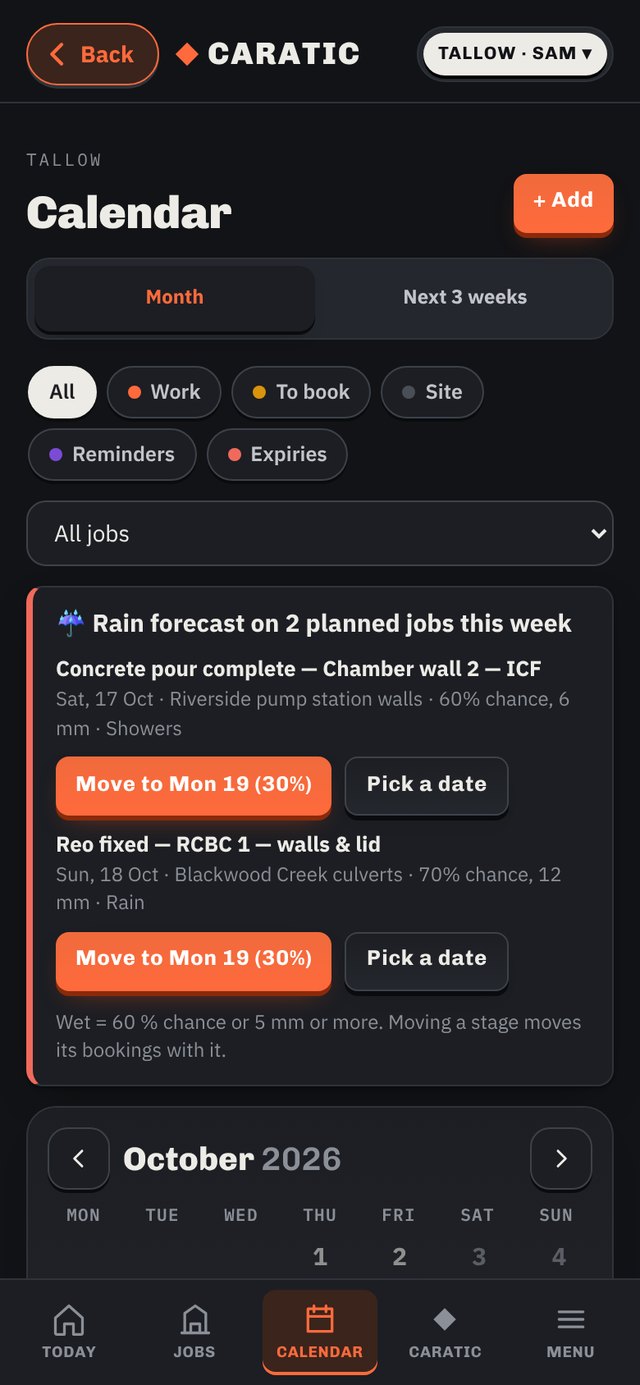
Work, bookings, expiries, reminders and site days in one place. Rain forecast on a planned pour, crane lift or pump day? The calendar says so and offers "Move to Monday" — the stage and all its bookings move together.

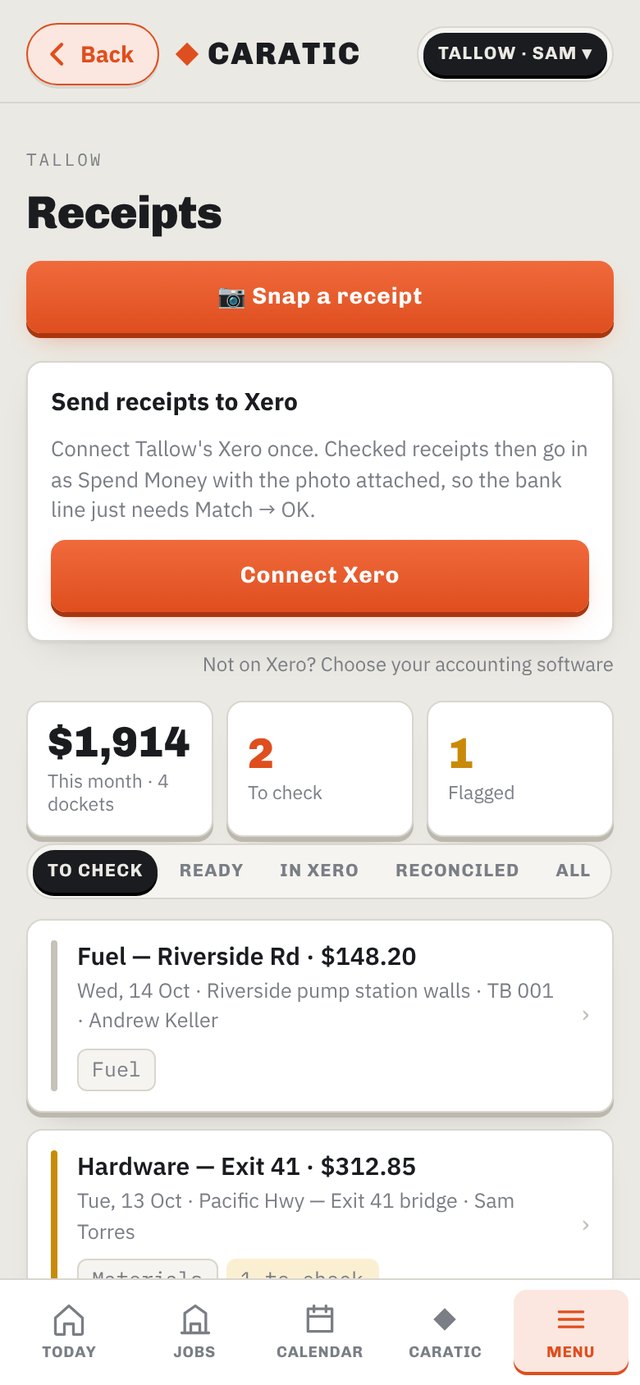
Photo it. Caratic reads the supplier, total, GST, litres and puts it on the job you're at. A water bottle on a fuel docket? It splits the GST-free line out itself. The office checks and sends it to your accounting software with the photo attached — one click to match.

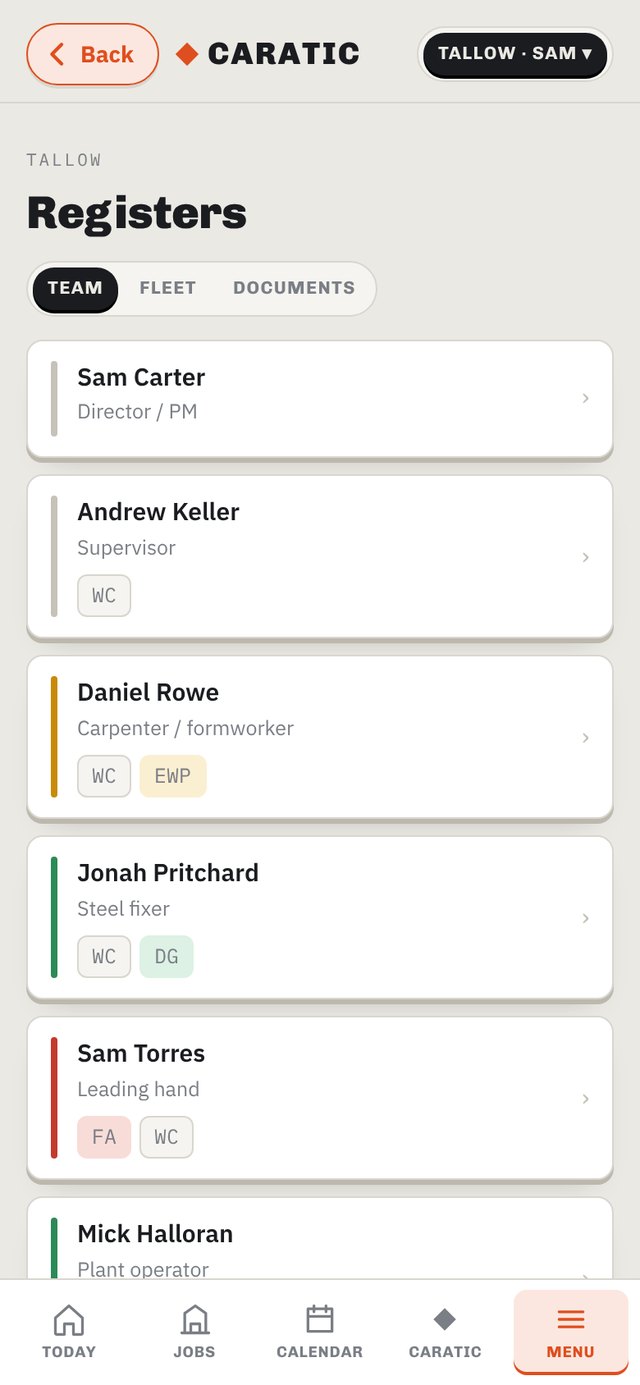
Tickets, licences, inductions, rego and services. Upload a card and Caratic names it, files it and reads the expiry. Workers see their own 60 days out.

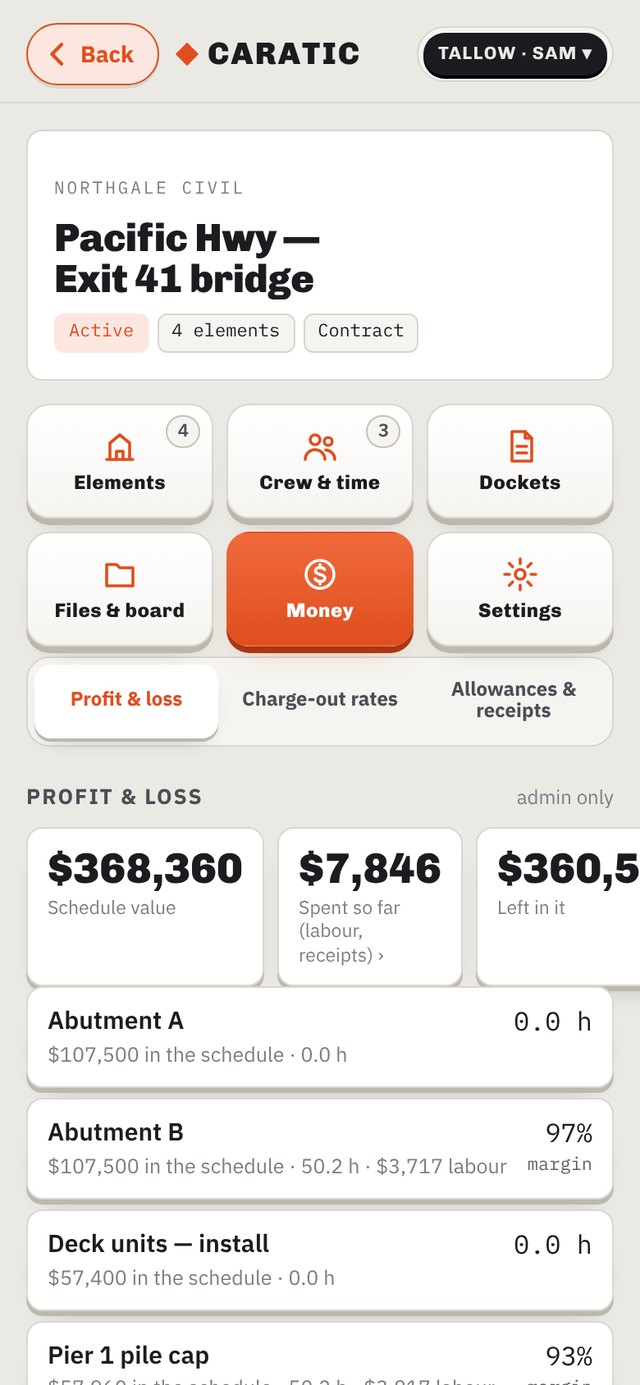
Schedule of rates vs real cost — labour, allowances, receipts — per element. Day-works jobs show charged out vs true cost with the margin. Caratic tells you which job is heading for a loss before it's finished.


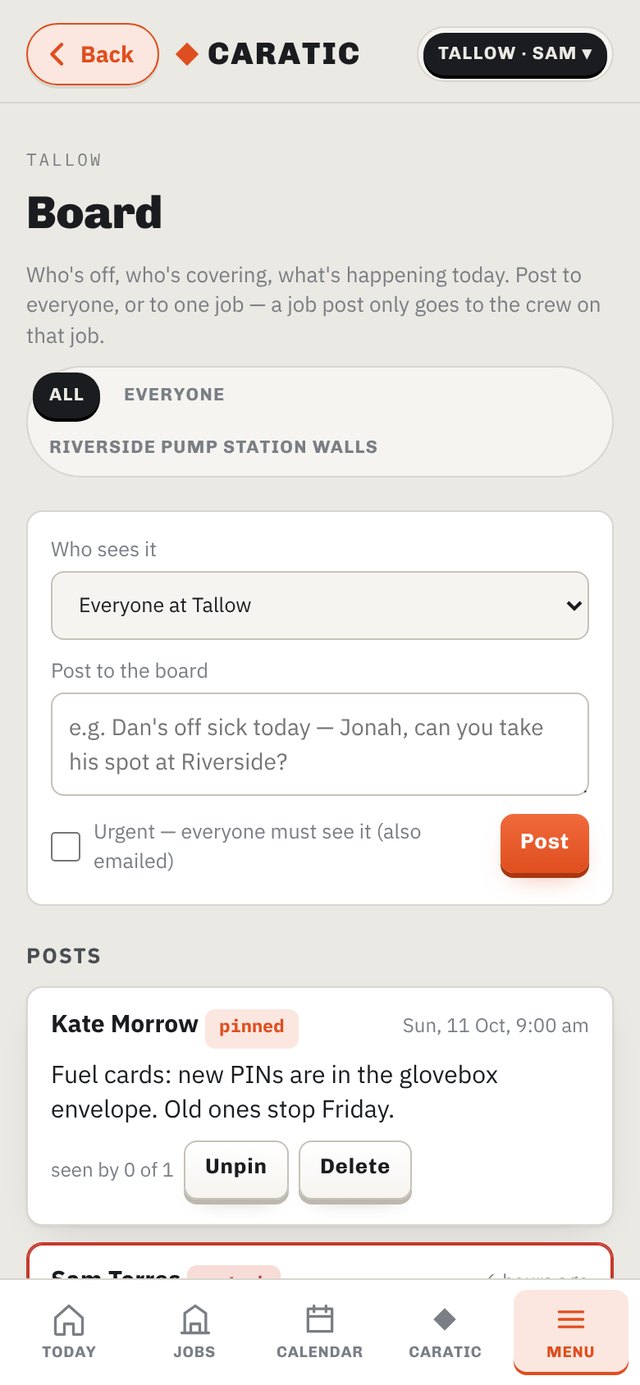
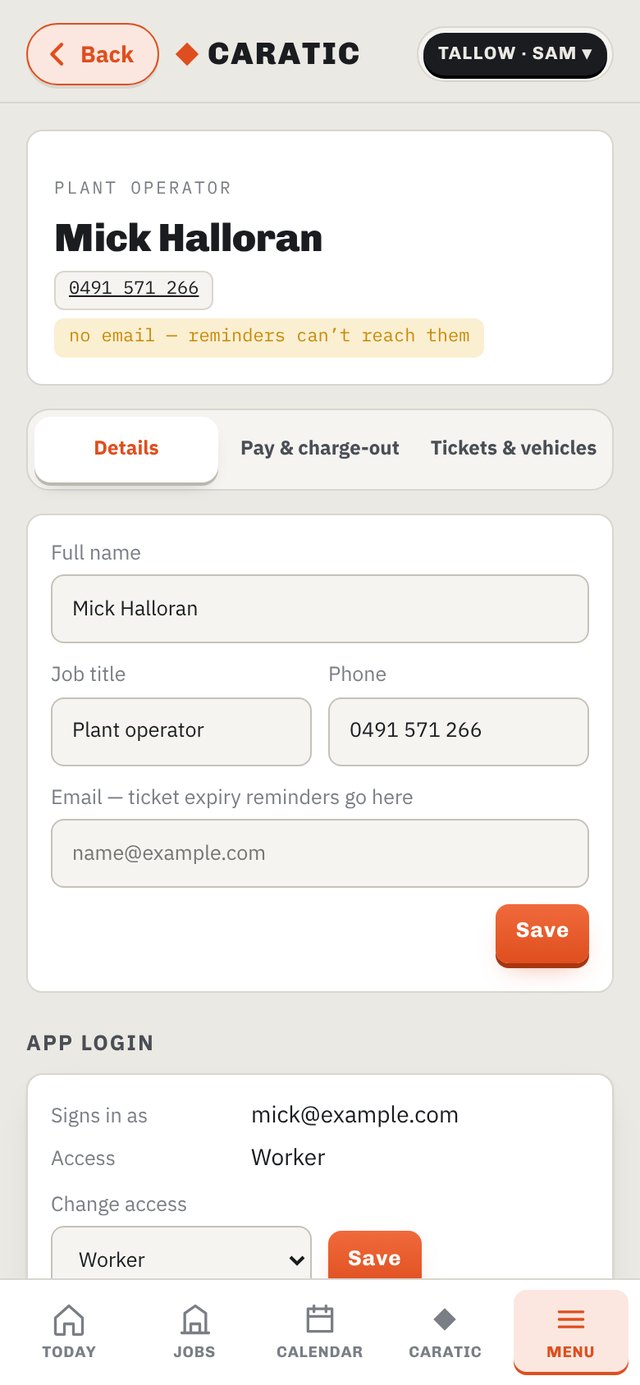
“Dan's off sick — Jonah, take his spot.” Post to everyone or one job's crew; urgent posts stay on screen until tapped and you can see who's read it. The office makes each worker's login from their page — nobody signs themselves up.

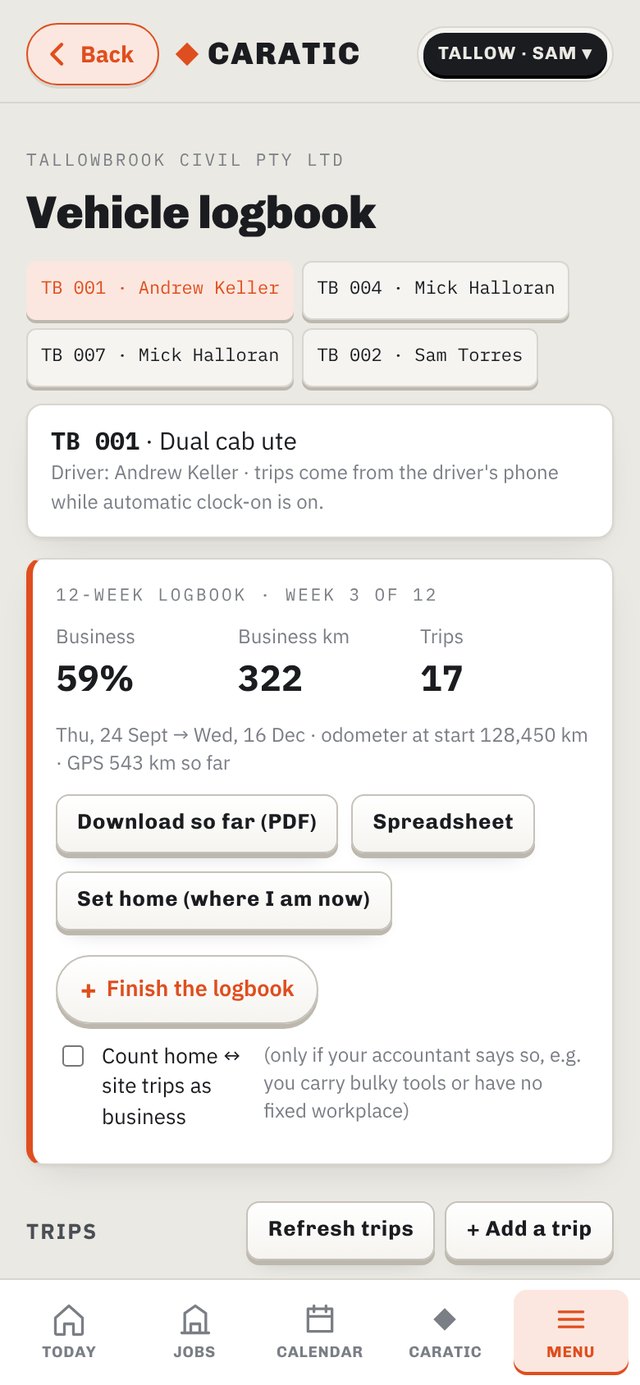
Trips come from the driver's phone — no extra app. Job-to-job is business, home-to-site follows the ATO rule, anything unsure says "Check". 12 weeks, odometer start and finish, business % and a PDF for the accountant.

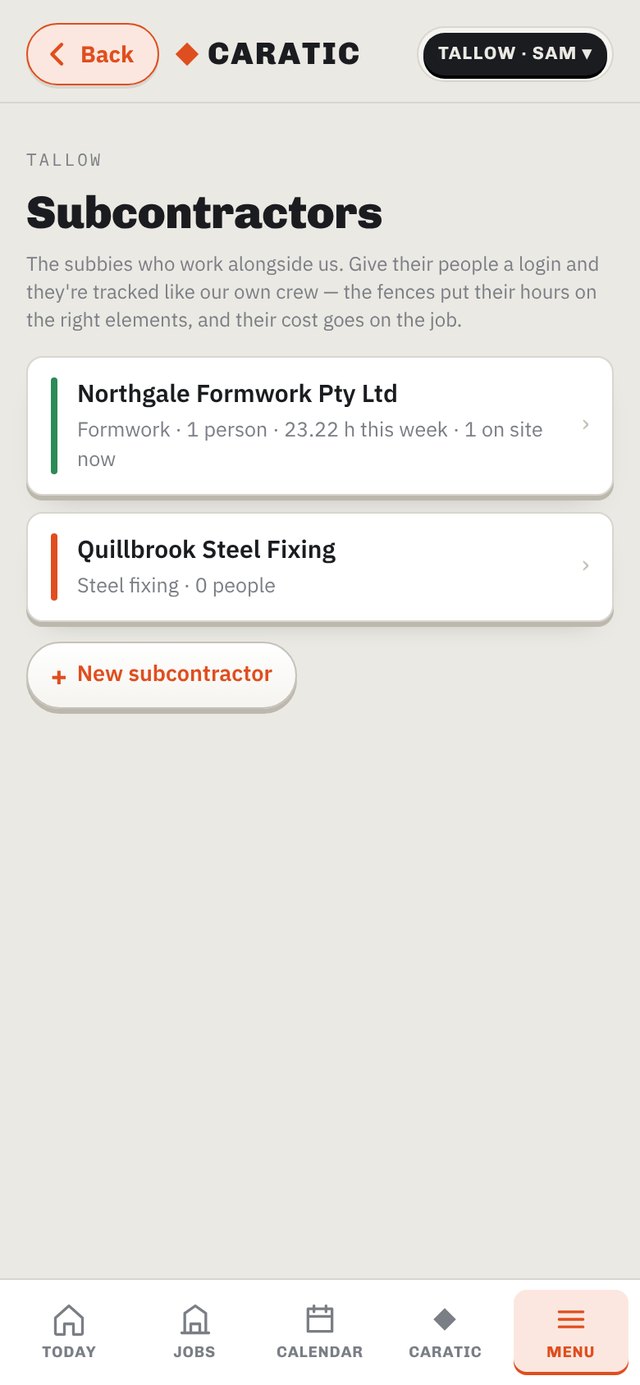
Add a sub company and its people. They get a cut-down app — their jobs, their hours — and the fences put their time on the right element. You see hours by element against their invoice, and their cost lands on the job.


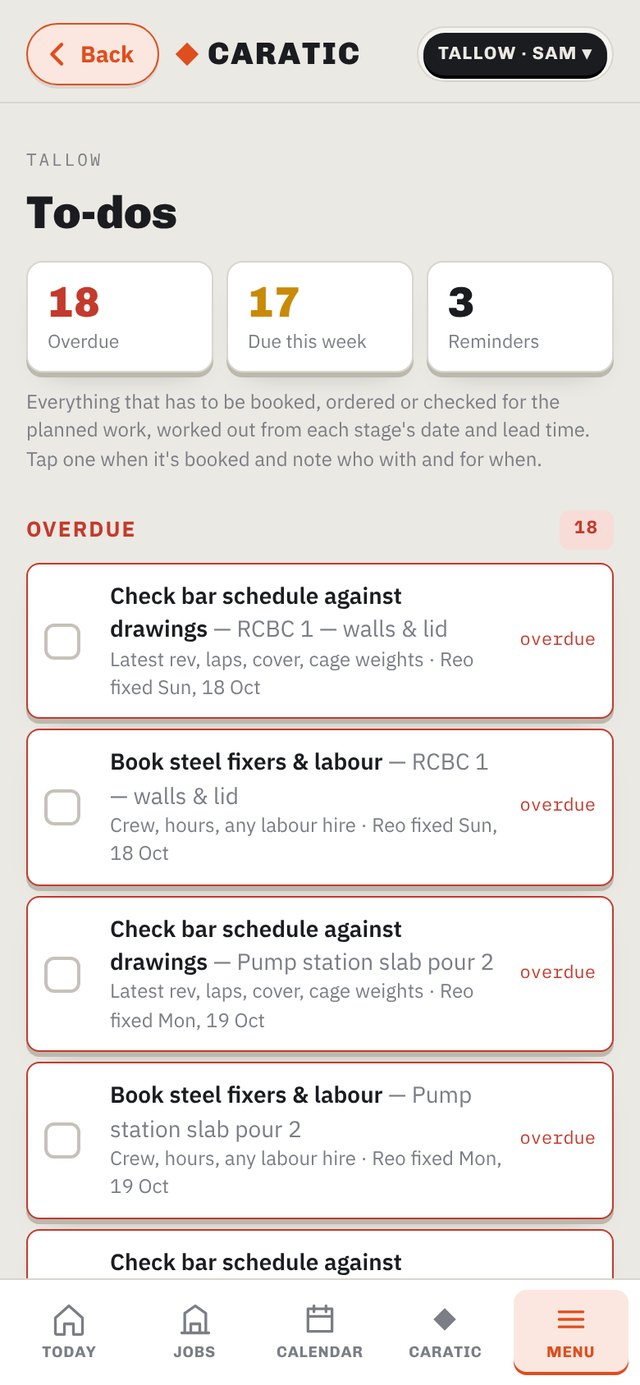
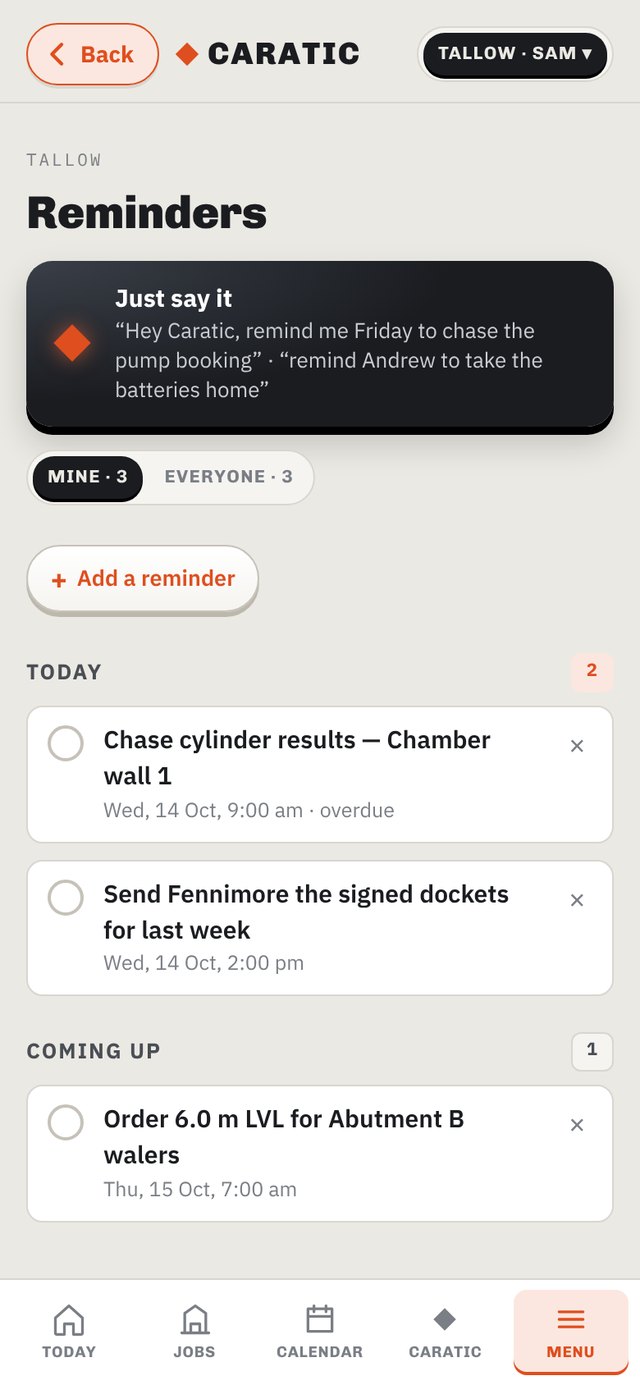
Give a stage a date and the bookings fall out of it — pump, concrete, testers, survey, crane, formwork hire — each at its lead time, with who to call. Tick them as they're booked. Reminders: "Hey Caratic, remind Andrew to take the batteries home" sets it for Andrew; workers only ever see their own.

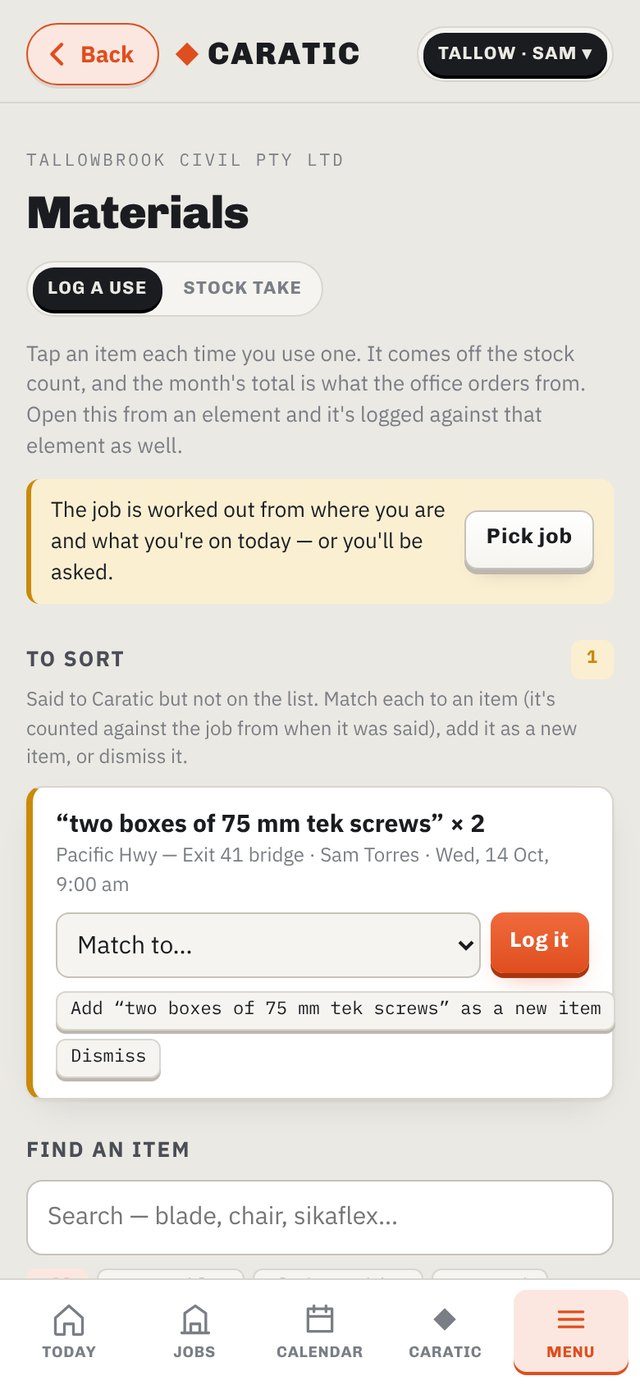
Tap an item each time it's used and it comes off the count. Caratic flags gear going faster than usual — blades, bits, gloves — and tells you which job it went to.
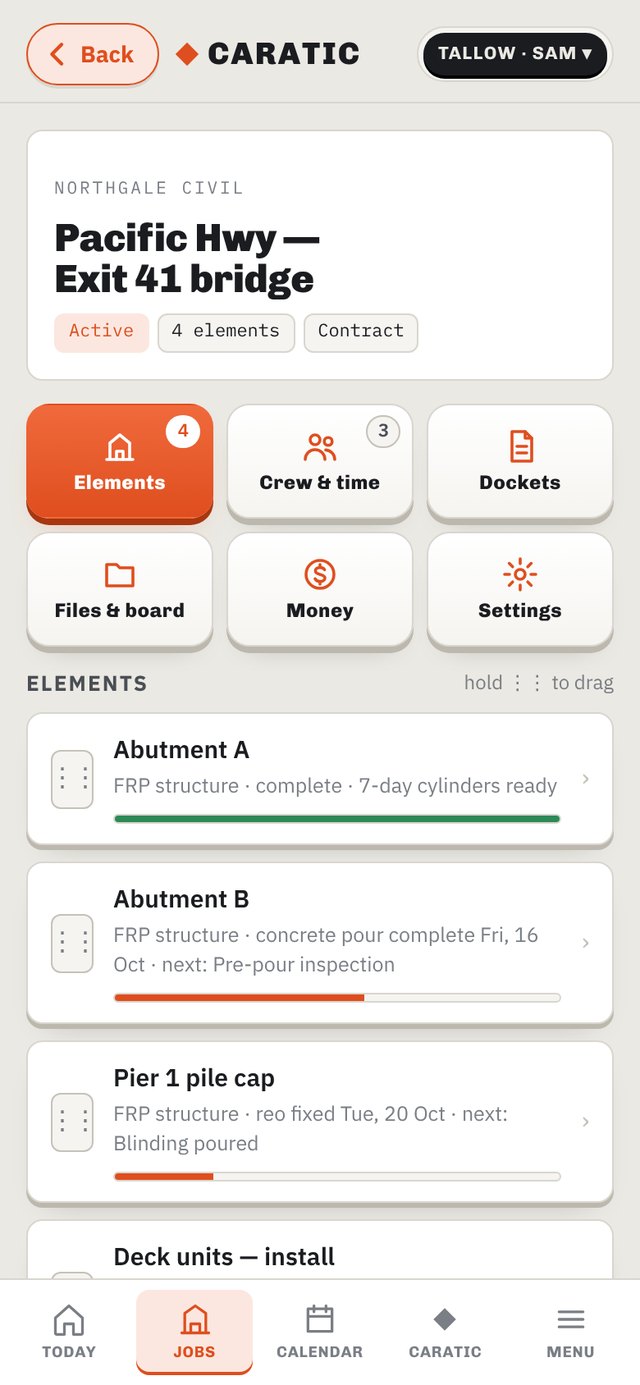
Every job, six buttons
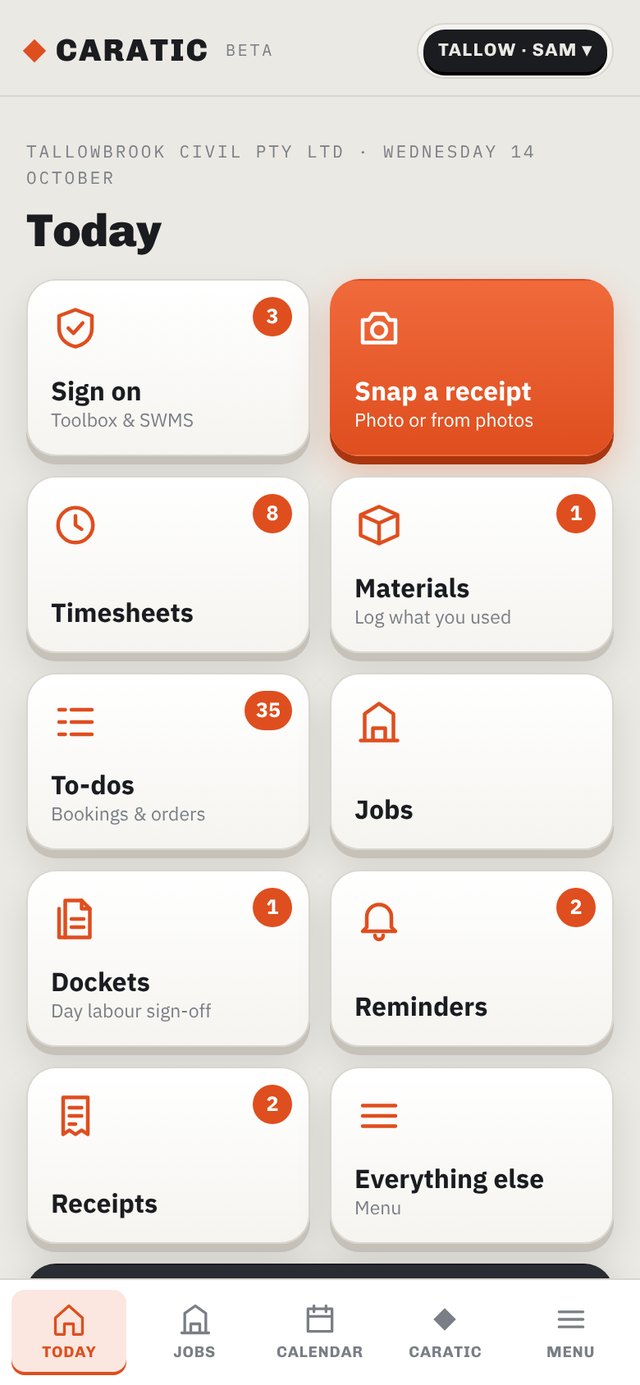
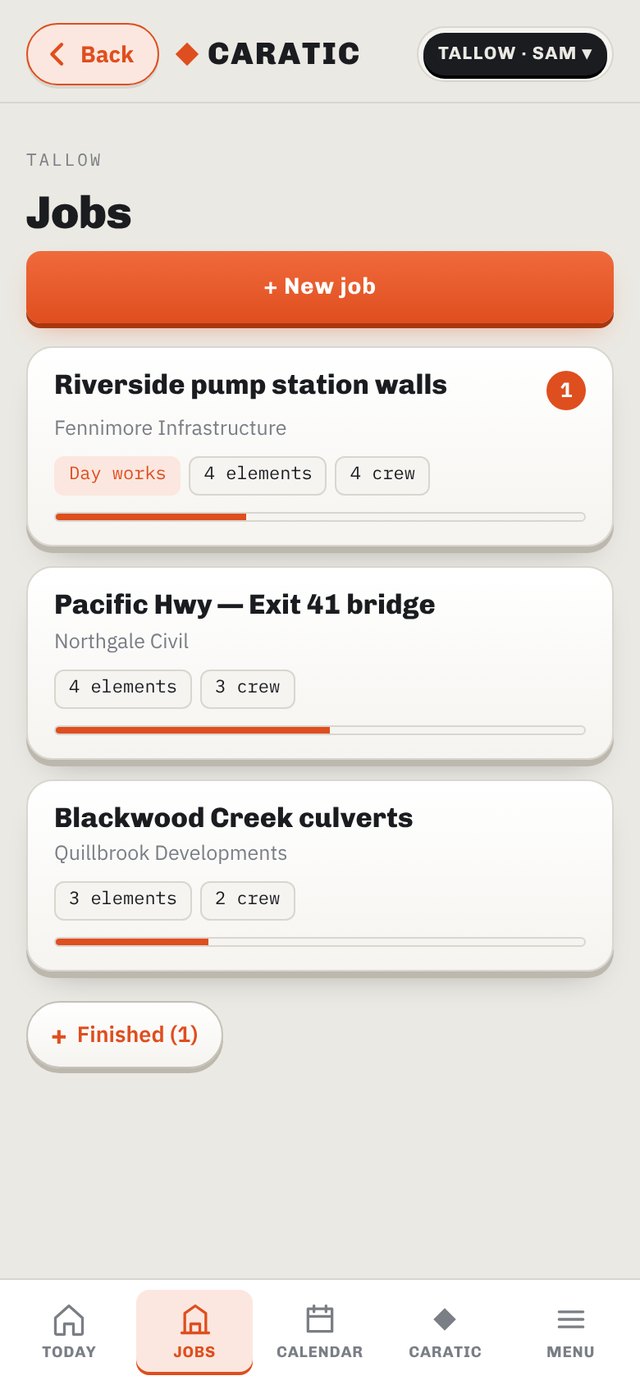
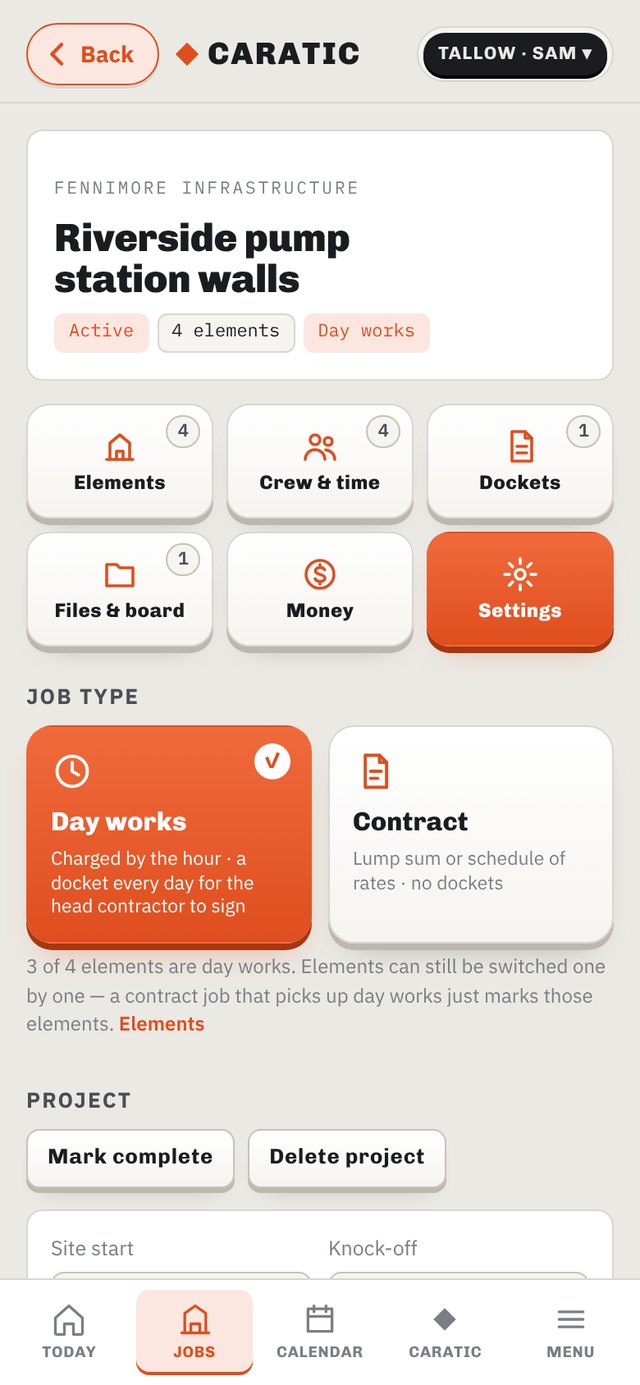
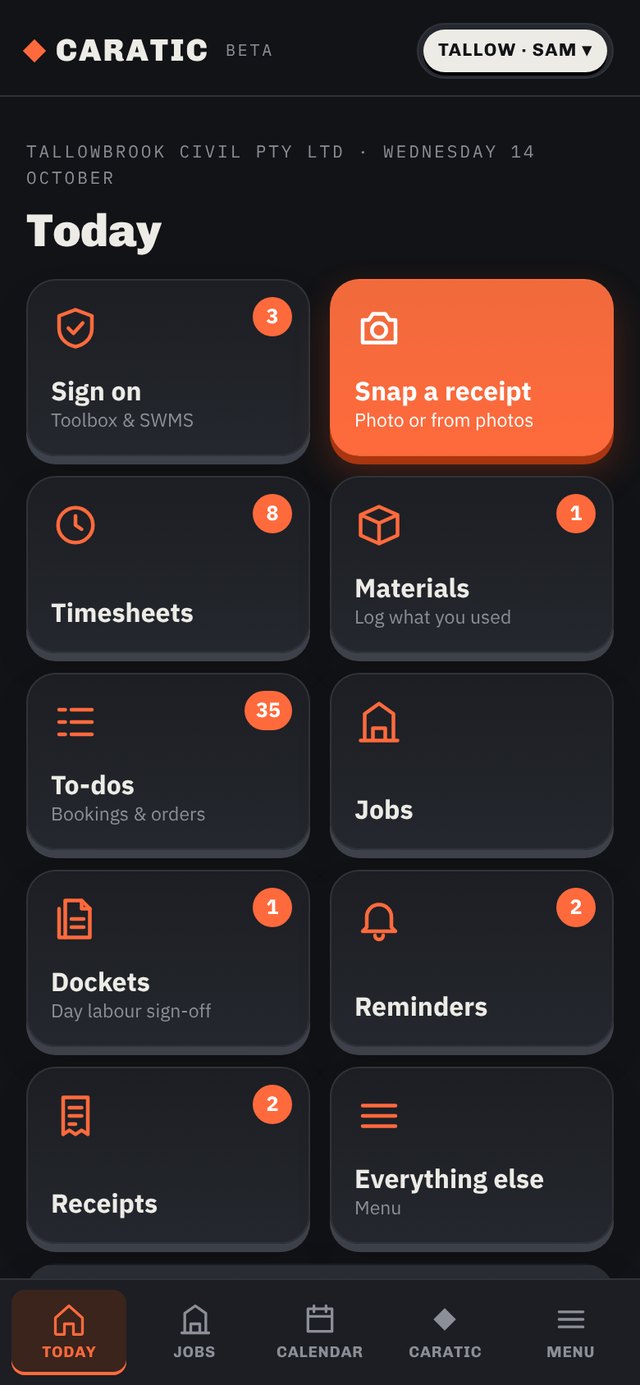
One page per job. Big buttons, badges on what's waiting, and the parts someone shouldn't see simply aren't there for them.


Getting started
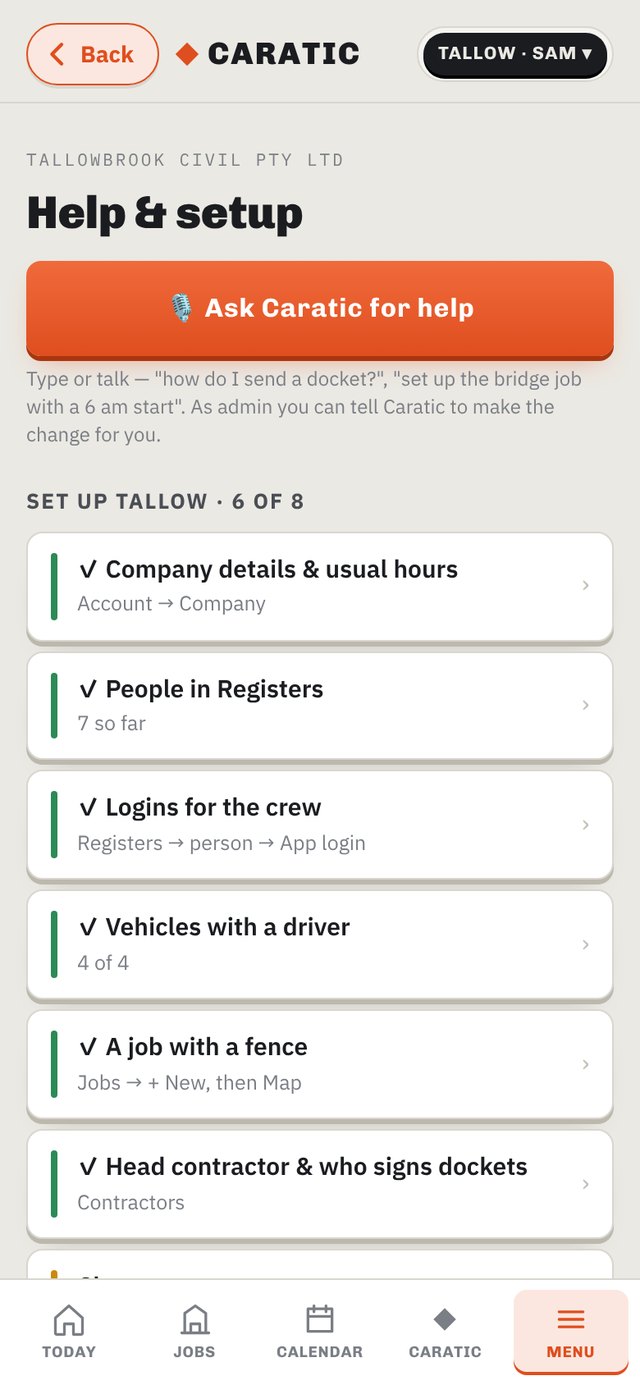
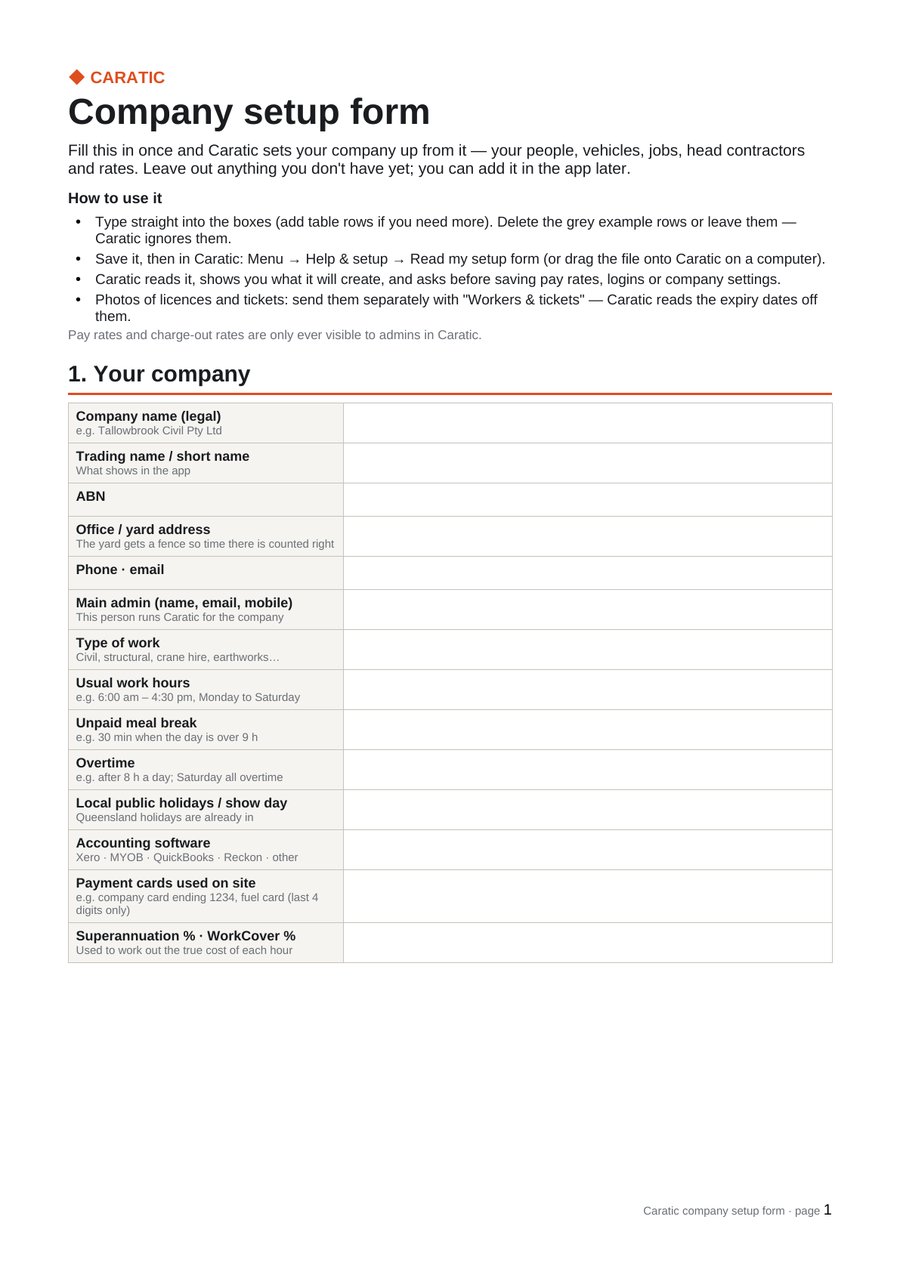
Menu → Help & setup. Download the company setup form as Word or a PDF to print, fill in your people, vehicles, jobs, head contractors and rates, then tap "Read my filled-in form" or drop it onto Caratic. It shows you what it found, asks "Shall I set all that up?", and does it. A checklist tracks the eight things a new company needs, and "Ask Caratic for help" is there for anything after that.

Six pages: company and usual hours · people and tickets · vehicles and plant · head contractors and who signs · jobs · charge-out rates · subcontractors · anything else Caratic should know.


One login, every company
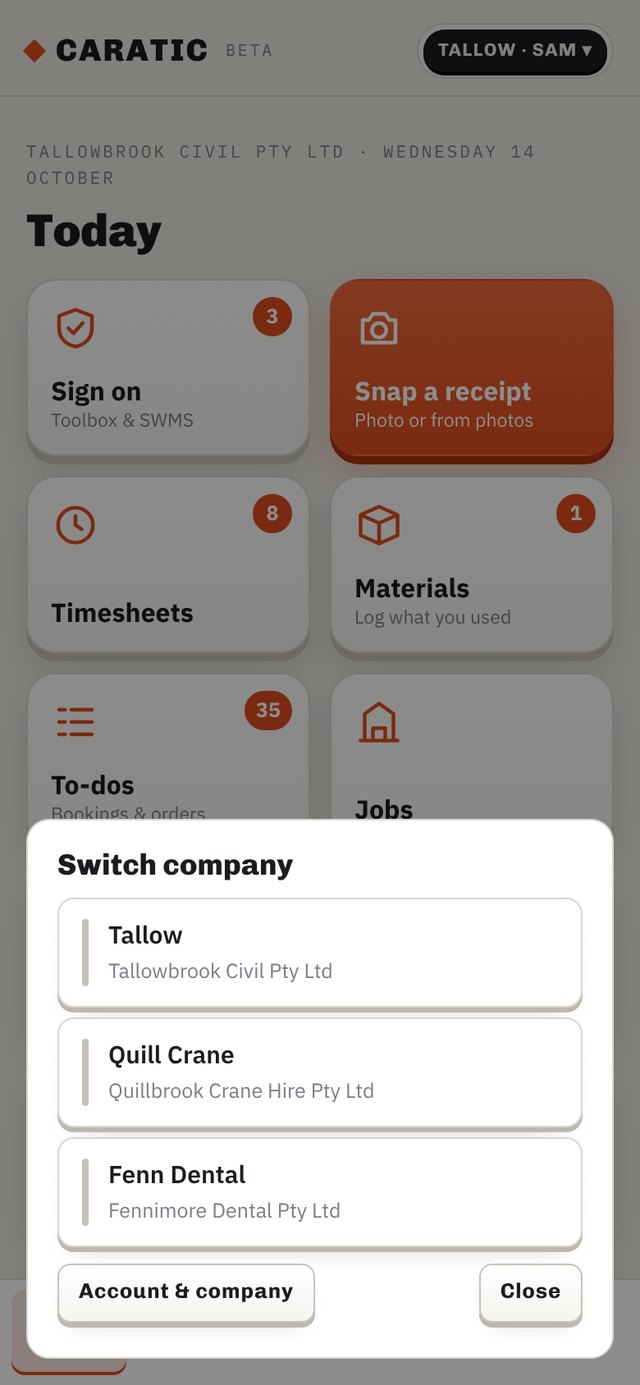
A civil arm, a crane hire arm and a sister company — each with its own jobs, crew, fleet, rates and accounting package, switched with one tap at the top of the screen. People who work across companies see the ones they're in and nothing else.
A day on site
The phone app posts positions in the background, locked in a pocket. Caratic works the day out from there.
Five minutes inside the job fence and the shift starts. Walk into an element's fence and the hours land on that element.
Supervisor sets today's hours on the Sign on screen. Early pour at 2 am? Caratic spots it and asks the supervisor to confirm.
A push after knock-off. Say it in your own words; Caratic tidies it into the docket's work-done line and the timesheet.
Supervisor opens Dockets, fixes what's flagged, taps Send. The head contractor signs on the link. Approved hours flow to timesheets, costs and your accounts.


For the head contractor
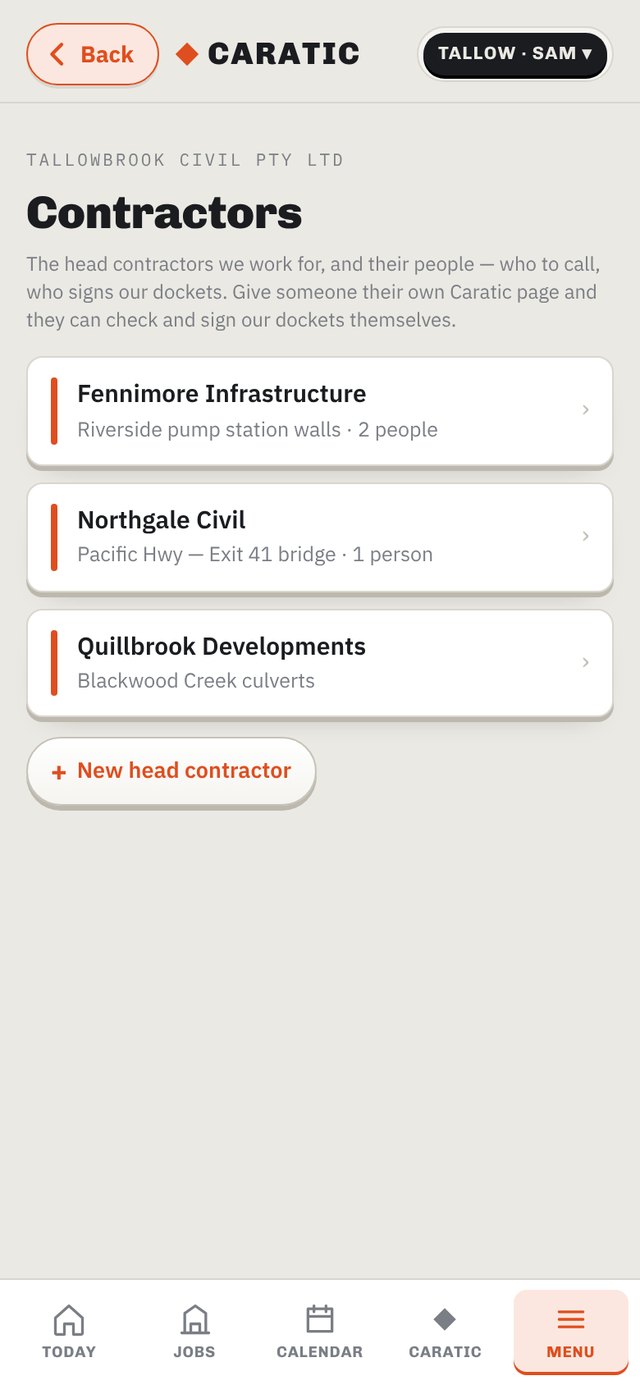
Each head contractor's people get their own Caratic page: dockets waiting for them, what they've signed, a monthly PDF or spreadsheet. They can query one line and sign the rest — you fix it and they accept the fix. A docket waiting more than a day buzzes the supervisor.
Or give them a login. A head contractor login opens at the normal Caratic address and shows only their side of the job: every docket you've sent them, signed or waiting, downloadable one at a time or a month at once as PDF or spreadsheet; and the job folders you've ticked for them — SWMS and work method statements, risk assessments, drawings, temporary works, ITPs, permits — to view or download. You choose per person what they see, including whether rates and costs show. They never see your people, receipts or other jobs.
What they get
No print dialog, no library — Caratic writes the PDF itself. Labour by class with the element worked on, vehicles per day, plant per hour, totals ex and inc GST, who submitted it and who signed it, with the signature. One per day, or a month of them in one file for the invoice.

Night mode
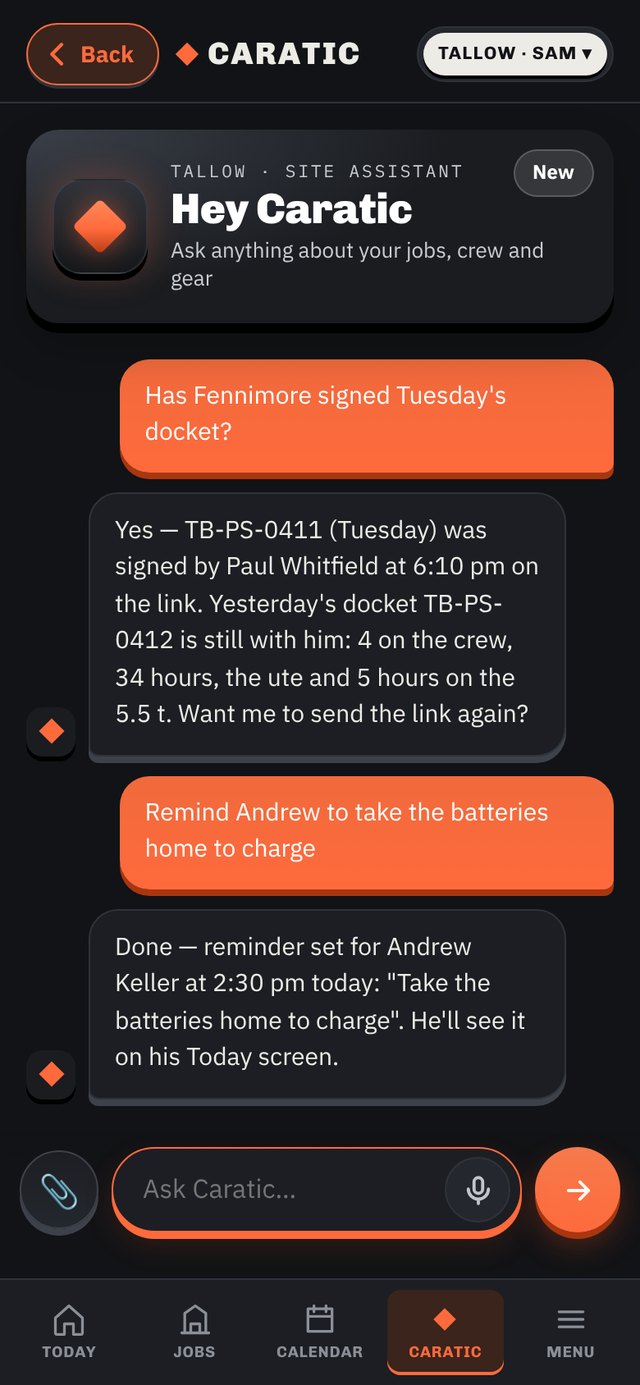
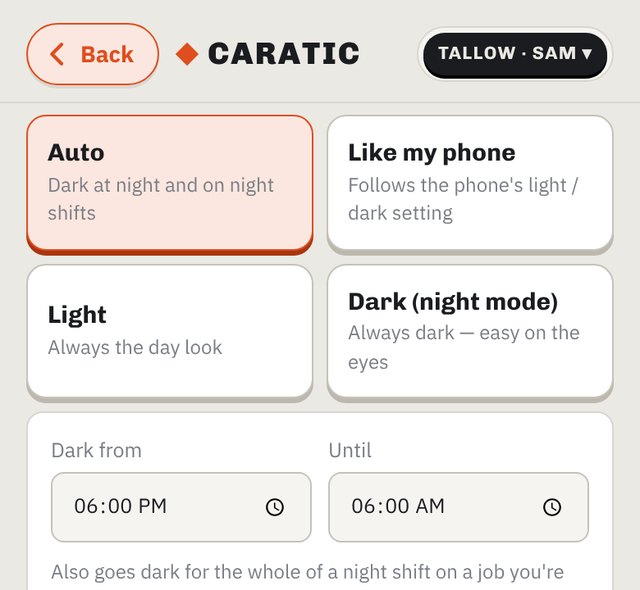
Left on Auto, Caratic goes dark from 6 pm to 6 am and for the whole of a night shift on a job you're on. Change the times, follow your phone's setting, or pin it to light or dark full-time — it's one tap in Account → Display, per phone. A knock-off earlier than the start is a night shift, and the small hours go on the night they started.


Auto · Like my phone · Light · Dark (night mode). On Auto you set the dark-from and until times yourself.
Not just construction
Caratic doesn't care whether the fence is around a bridge abutment, a clinic or a venue. Each company picks its industry and Caratic changes the words — jobs become clinics, elements become surgeries, stages become steps — while the engine underneath stays the same: who's where, what got done, what it cost, what's expiring.
Crews, fences, dockets, SWMS, plant, concrete timers and head contractors. Civil, FRP, crane hire, formwork, precast, trades.
Staff registrations and radiation licences that expire on a date, equipment servicing, consumables and stock — no patient records, by design.
RSA and food-safety certificates, who's rostered where, equipment servicing, stock that walks, a board instead of the group chat.
Field service, landscaping, labour hire, events. If people turn up somewhere, do work, use gear and someone has to sign it off, it fits.
Sold from Australia; works anywhere with a phone signal. Pay rules, overtime bands and public holidays are set per company.
Who sees what
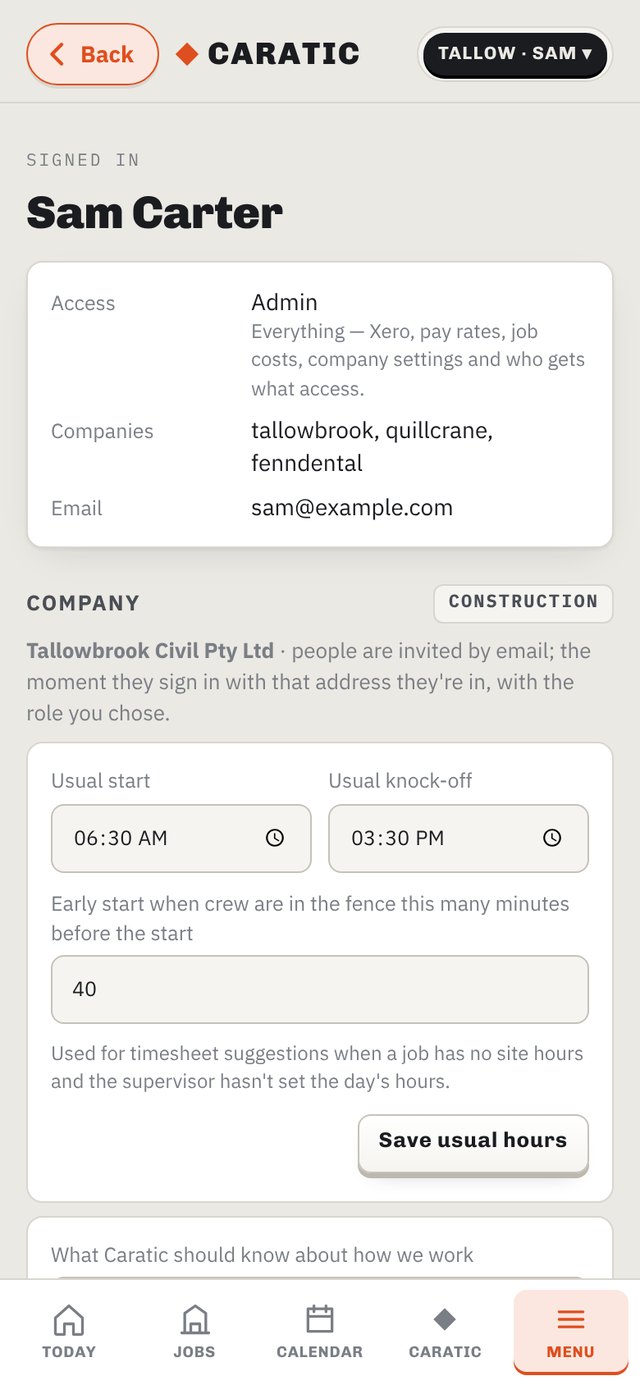
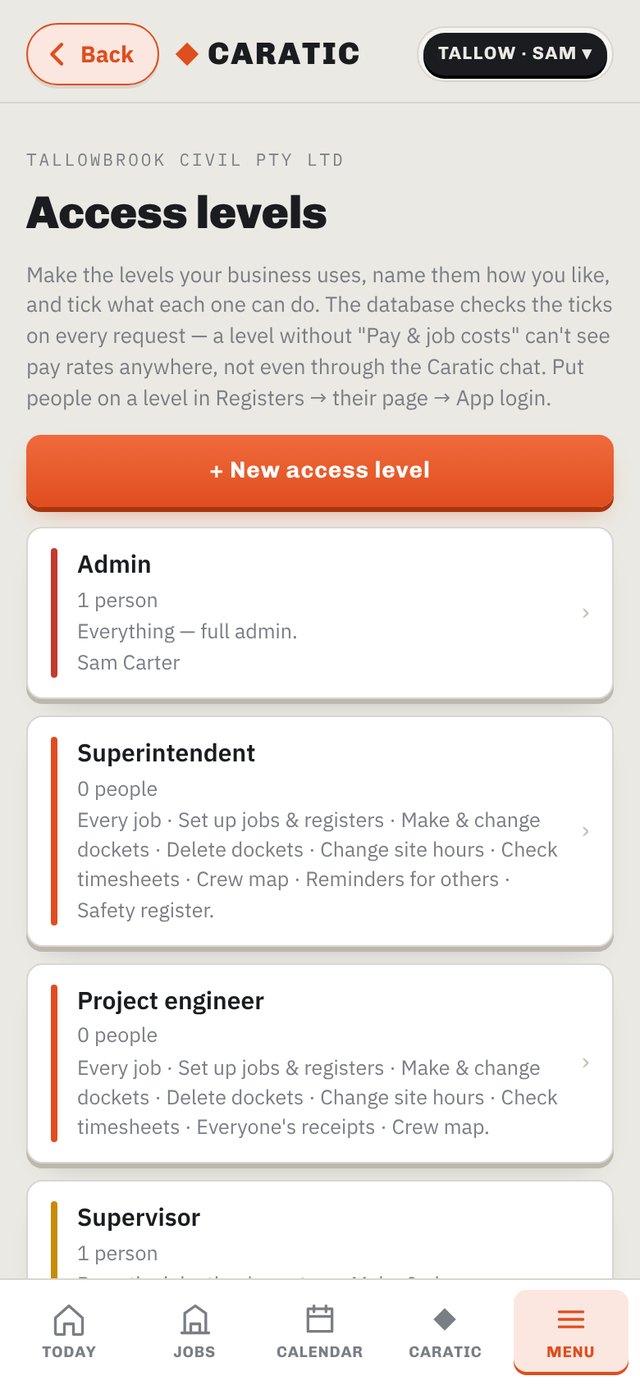
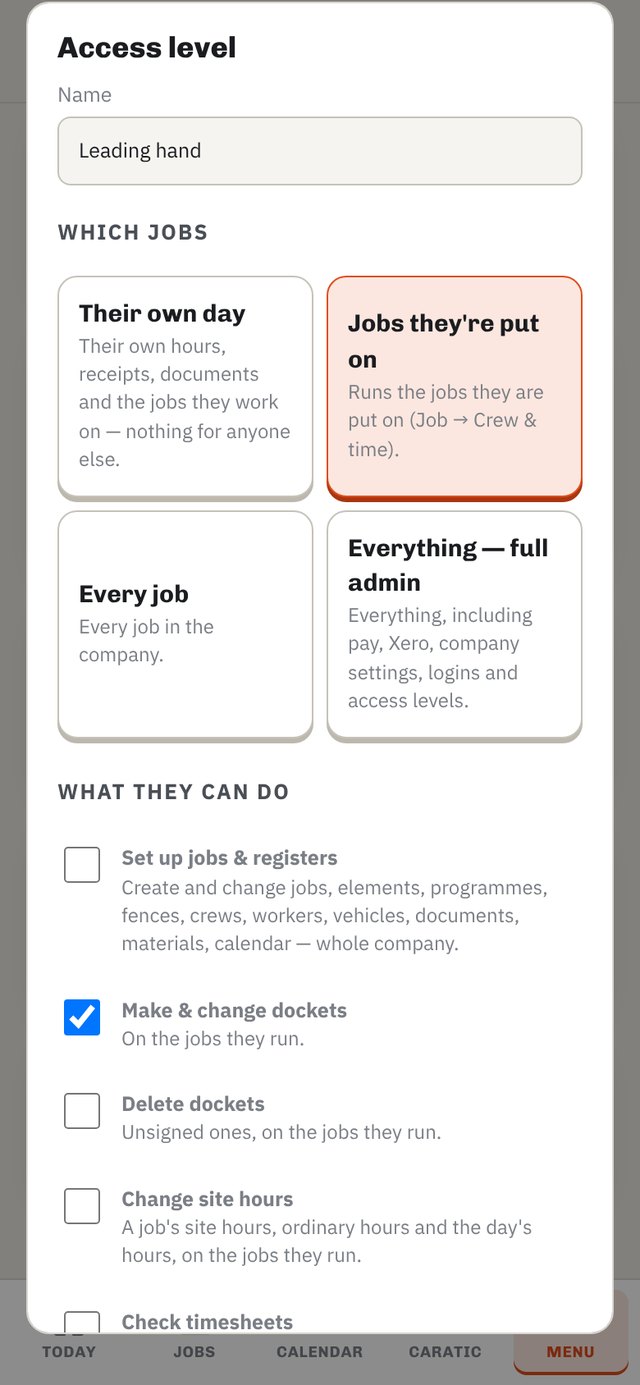
Every company starts with six levels — admin, superintendent, project engineer, site engineer, supervisor, worker — but they're yours to rename, change or replace. Make a "Leading hand" who can write dockets but not delete them, an "Office manager" who sees pay and receipts but no jobs, a "Practice manager" for a clinic. Tick what each level can do in plain words. The ticks are checked on the server on every request, so a level without "Pay & job costs" can't see a pay rate anywhere — not on a screen, not in an export, not by asking the Caratic chat.


Head contractor logins and subcontractor crews sit outside this — they get a deliberately small view of their own side of the job, enforced the same way.
Under the bonnet
Background GPS clock-on with the phone locked, push for dockets, board posts and “what did you do today”. The same app runs in any browser and installs to the home screen.
A fence per job and per element, drawn on a map with a finger. Arriving puts you on the job; the element you're standing in gets the hours, in quarter hours.
Each company picks its package — Xero, MYOB, QuickBooks, Reckon or other. Xero is connected live: receipts go in as spend with the photo attached, GST and GST-free lines split correctly. The others get a ready-to-import export in that package's own wording. Several companies can sit on one login.
Everyone sees a plain-English notice the first time they open Caratic — what's collected, when location is used (and that it can be while the app is closed), and a tick box for the AI. Their answers are kept as proof. Anyone can turn the AI off, read their own records or delete their login from Account → Privacy. The main database is in Australia. Read the privacy policy.
Nobody has to go looking
Everything that needs someone comes as a push to the phone — tap it and you land on the exact docket, timesheet, post or reminder. Every screen with something waiting also shows a badge on Today and in the Menu.
Help when you need it
Menu → Help & setup: a checklist of what to set up, the company setup form, and "Ask Caratic for help" — type or say "how do I send a docket?" and it answers from how your company is set up. Admins can tell it to make the change.
A real person, not a bot, for anything Caratic can't answer itself — setting up a head contractor's rate card, a docket that won't build, moving across from another system.
When it's pour day and the docket matters, call us. 0478 786 896 · admin@caratic.com.au
Get Caratic
Caratic runs real construction crews every day, and it's opening up to any business with people in the field. Tell us how your days run and we'll show you yours in Caratic.